Every solo caller eventually builds some kind of outcome list, and almost every one of those lists dies within a few weeks. Not because the person calling gave up on tracking. It's because the list itself was wrong for the job. There are two ways to get it wrong, and they're opposite mistakes.
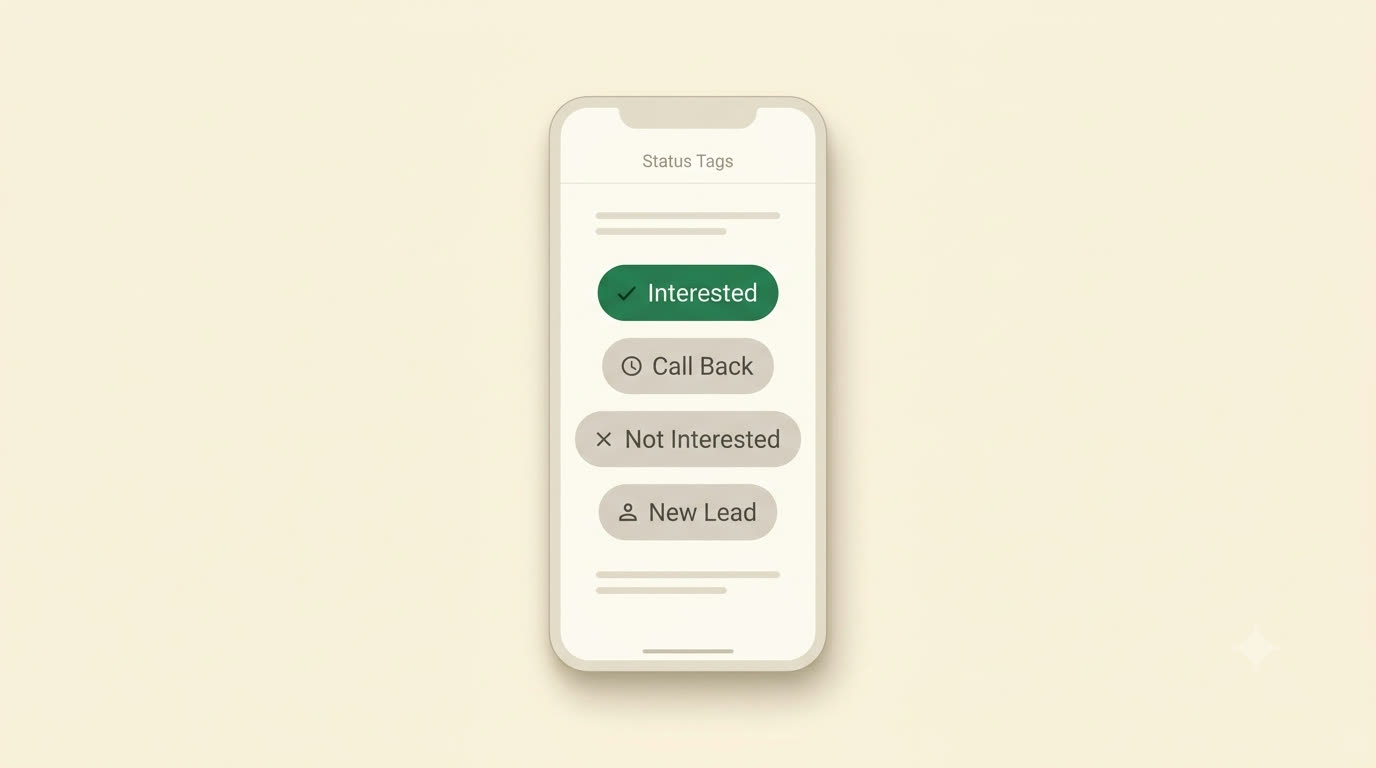
Too many options, and the list rots
The first failure mode is copying a CRM's status pipeline: "New," "Contacted," "Qualifying," "Stage 2 - Nurture," "Stage 3 - Proposal Sent," and so on. This looks thorough on the day you build it. Two weeks in, it falls apart for a simple reason: you're picking a status mid-call, with a real person on the line seconds ago and the next number already queued. That is not the moment for a dropdown with eleven options and a definition you half-remember.
What actually happens is the tags drift. One day "Qualifying" means "said maybe." Another day it means "asked for a callback." Six months later you open the log and "Stage 3 - Nurture" doesn't mean anything to you anymore, because it never meant one specific thing to begin with. A tagging system that requires you to remember your own past intent is a tagging system that's already failed.
Too few, and you lose the one distinction that matters
The opposite mistake is swinging all the way to "connected" and "not connected." It's fast, and it never drifts, but it throws away exactly the information you need the next time you look at the list. "Connected" tells you nothing about whether to call this person again tomorrow, next month, or never. There's a world of difference between someone who said "call me back Tuesday" and someone who said "please don't call this number again," and a binary system records both of them identically.
A small, fixed vocabulary that survives a real day of calling
The outcomes worth keeping are the ones that are both quick to pick under pressure and directly useful later: each one should tell your future self exactly what to do next, without needing a note to interpret it. In practice, that's a short, fixed list:
- Solid Customer: a real customer relationship, worth protecting.
- Interested: engaged, not yet closed.
- Call Back: they asked for a specific follow-up. Pair this one with a scheduled reminder, not just a mental note.
- No Answer: didn't connect. Retry later.
- Voicemail: left a message. Different from silence; you may want to give it longer before retrying.
- Not Interested: a real no, but not necessarily final.
- Wrong Number: the data is bad, not the lead.
- Do Not Call: final. Never dial again.
Eight options is small enough to scan and pick from in the second or two you have between hanging up and moving to the next contact, and every single one maps to a concrete next action: retry soon, retry later, don't retry, or nothing left to do. That's the actual test for whether an outcome belongs on the list, not "is this accurate," but "does picking this tell me what to do with this number next time."
For anything that doesn't fit one of those eight, a custom tag is the release valve: you're not locked into the fixed set forever, you're just not inventing a new one mid-call. And for everything the tag itself can't carry (what they actually said, what you promised, what to lead with next time), there's the notes field, which exists for exactly that. The real placeholder text in the app says it plainly: "What did they say? Next steps…" That's the right split of labor: the tag is for speed, chosen in a second so you can move to the next call; the note is for memory, written in the ten seconds after, so the context isn't gone by the time you look at this contact again.
How to actually run this without it becoming a chore
- Pick the tag fast, don't negotiate with yourself. If a call was ambiguous, that's what the note is for. Don't burn ten seconds deciding between "Interested" and "Call Back" when either one gets you back to this person. Precision belongs in the sentence you type, not in agonizing over the tag.
- Apply "Do Not Call" and "Wrong Number" religiously. These two tags are the ones that actively save you time later: a future session with a clean log never wastes a dial on a number that was already dead or unwilling. Skipping them once means re-discovering the same dead end twice.
- Review the log on a rhythm, not constantly. Checking after every call tells you nothing a single call can't already tell you. A weekly look (not daily, not obsessively) is where patterns actually show up: which outcome is piling up, which leads have gone quiet, whether your "Call Back" pile is growing faster than you're clearing it.
What consistent tagging actually buys you
A clean, consistently-tagged log is what makes a "who should I call next" view possible at all. Instead of scrolling a flat list wondering where you left off, the leads worth working split naturally into two piles: the ones you've already tried once or twice and are due for another attempt, and the fresh leads you haven't dialled yet, so you always know which pile you're pulling from, instead of guessing or re-dialling the same three people out of habit.
The same discipline is what makes a personalized read on your own calling pattern possible: not generic advice about "the best time to cold call," but a read built from your own history of when your calls actually connect versus go to voicemail. And it's what makes a daily view of calls made, contacts reached, talk time and conversion rate mean anything at all: none of those numbers are trustworthy if half the calls behind them were tagged carelessly, or not tagged at all.
Three weeks of honest tagging and the list stops feeling like a chore. It starts feeling like the thing that tells you who to call today, instead of you telling it.
None of this requires discipline you don't already have. It requires a tagging system that's small enough to use under pressure and specific enough to still mean something later, which is exactly what Cadence's outcome tracking is built around. If you're ready to try it on your own list, download Cadence and see how it holds up after a real week of calls.
Back to blog